
The key points
Check first
Is it your kit, your home or a wider outage?
Restart properly
Router off for 30 seconds, then wait up to 10 minutes.
£10.34 a day
Broadband or landline not fixed after two full working days.
999 still works
On any mobile network, even without credit.
Is it just you, or is everyone offline?
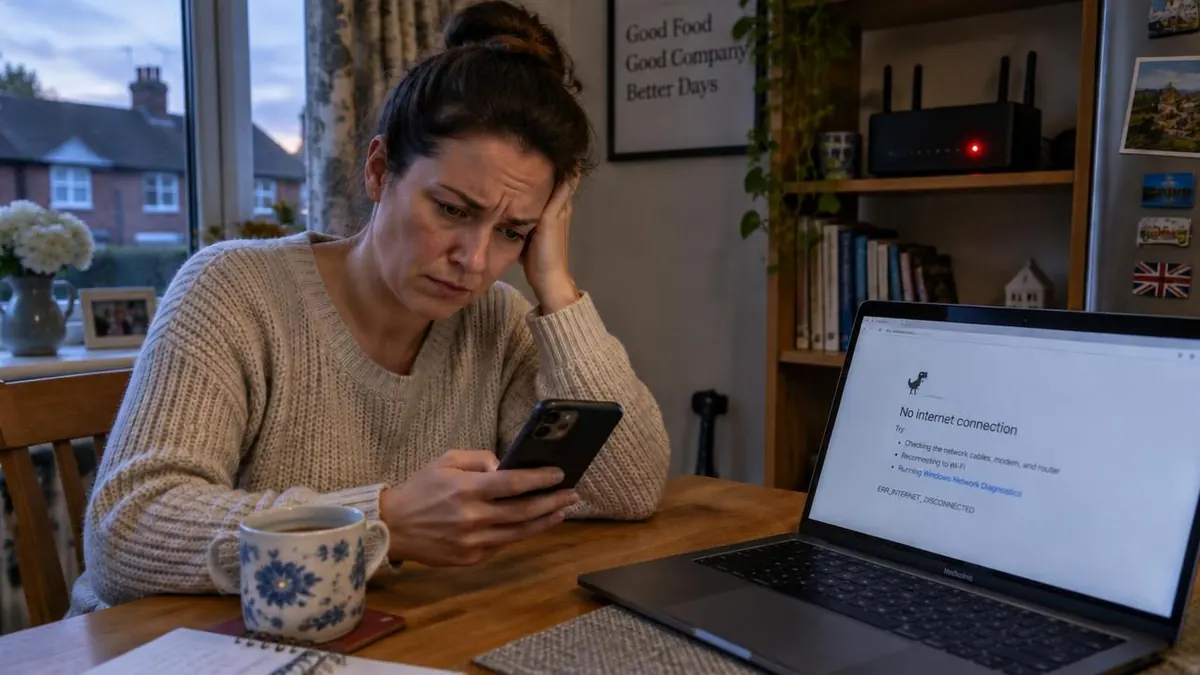
Before you spend an hour on hold, spend two minutes working out where the problem is. A fault can be in your phone or laptop, your router, the wiring in your home, or the network outside. Use these signs as a guide.
Probably just you
- Only one device is offline
- Wi-Fi works but is slow in some rooms
- Neighbours on the same provider are fine
- Your provider's status page shows no problems
Probably a wider outage
- Every device has lost the internet
- Router shows a red or orange light
- Friends nearby on the same network are offline too
- There is a storm, power cut or roadworks nearby
Probably a mobile problem
- No signal wherever you go: try another phone or SIM
- No signal in one place only: check Ofcom's coverage map
- Calls fail but data works: try Wi-Fi calling
- Others on the same network have no signal either
Turn off Wi-Fi on your phone and use mobile data to open your broadband provider's app or service status page. Most let you enter a postcode or sign in to see faults and planned work in your area.
Step 1: Restart your router the right way
It sounds obvious, but a proper restart clears more faults than anything else.
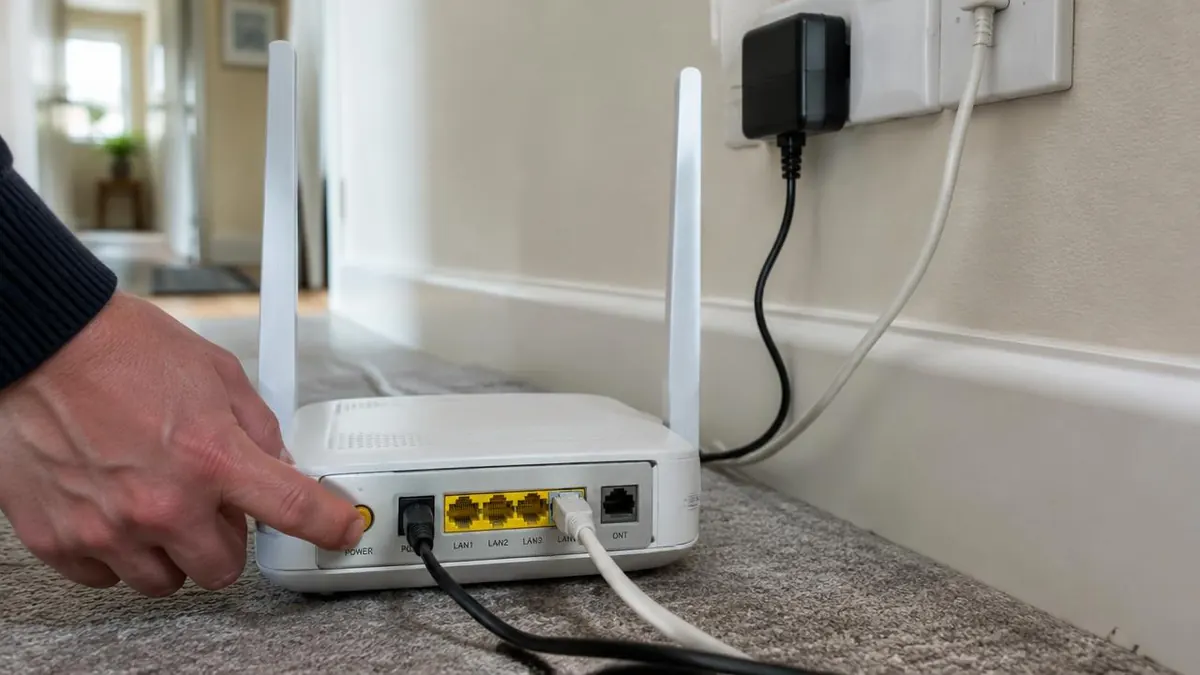
- 1Switch the router off at the back, or unplug it from the power.
- 2Wait at least 30 seconds.
- 3Switch it back on and leave it for up to 10 minutes. Lights often flash while it reconnects.
- 4Do not press the small pin-hole reset button unless your provider tells you to. It wipes your settings and Wi-Fi password.
Step 2: Check your cables and lights
- Cables: push every cable firmly into the router, the wall socket and any fibre box (often labelled ONT). A loose cable is a common cause.
- Lights: green or white usually means all is well. Red or orange usually means no connection. Your router's guide or provider's website explains what each colour means.
- Test with a cable: if Wi-Fi is the problem, plug a laptop straight into the router with a network cable. If that works, the line is fine and the issue is your Wi-Fi.
- Phone line socket: on older copper lines, plug the router into the test socket behind the faceplate of your main socket, if your provider's instructions suggest it. That tells you whether the fault is inside or outside your home.
Step 3: Report the fault, even during an outage
This is the step most people skip. If your provider already knows about an outage, it is tempting to wait. But for automatic compensation, the clock usually only starts once you have reported the loss of service.
- Report it online, in the app or by phone, and write down the date, time and any reference number.
- Ask whether an engineer is needed, and take the earliest appointment offered. Turning it down or moving it later can affect compensation.
- Keep notes of every call and message, including names and what you were told.
If the engineer finds the problem was caused by your own equipment or wiring, for example damage inside the home, you may be charged for the visit. Ask about any call-out charge when you book.
No mobile signal? What to try
Mobile problems need different checks, because the fault might be your handset, your SIM, the spot where you are standing or a mast outage.
- Turn flight mode on and off, or restart your phone. This forces it to search for the network again.
- Check your provider's network status page for mast work or outages near your postcode.
- Try your SIM in another phone, or another SIM in yours. If the problem follows the SIM, ask your provider for a replacement.
- Turn on Wi-Fi calling in your phone settings. If you have home broadband, calls and texts can go over Wi-Fi when signal is weak indoors.
- Check coverage on Ofcom's map if the problem is in one place only. See our guide to checking mobile coverage.
- Make a note of where and when it happens. It helps your provider find the cause.
In an emergency
- 999 and 112 are free and work even with no credit on a pay-as-you-go phone.
- Any network can carry the call. If your own network is down, your phone can connect an emergency call through another one. "SOS" or "Emergency calls only" on screen means you can still try.
- Digital landlines stop in a power cut, because they run through your router. Keep a charged mobile handy.
- If you rely on your landline, for example with no mobile or no signal at home, ask your provider for a free battery back-up. Ofcom guidance says it should keep 999 calls working for at least an hour.
- Power cut? Call 105 for free to report it or get updates from your local electricity network.
Get ready before the next outage
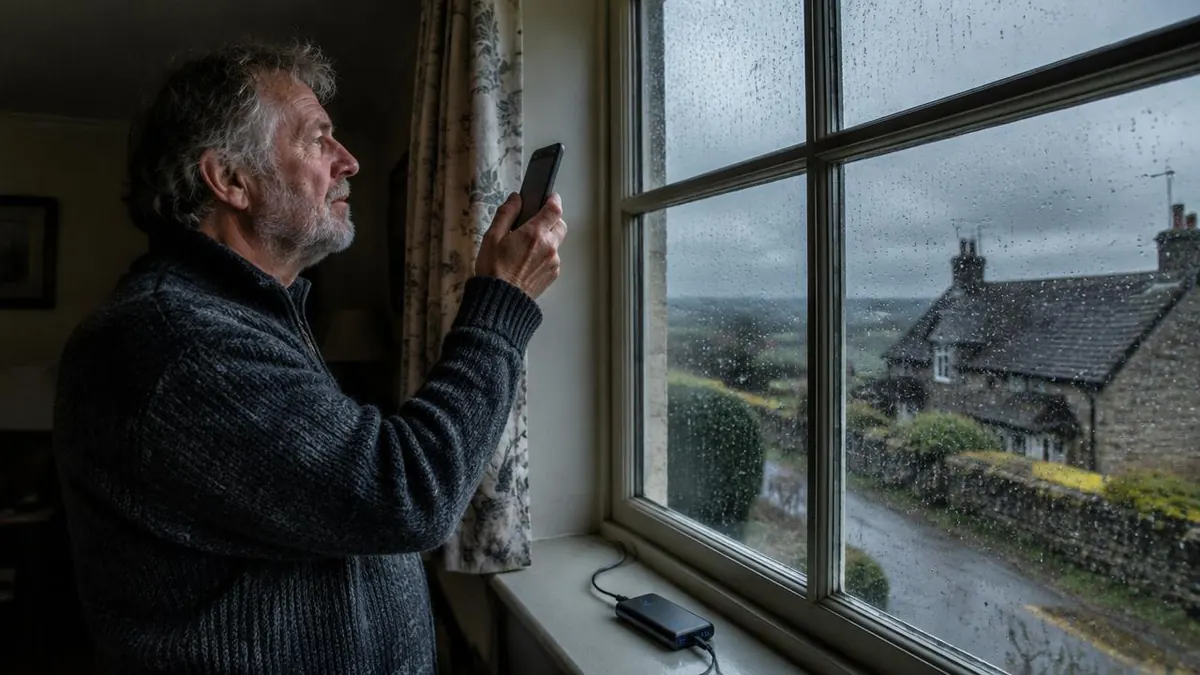
- Keep a power bank charged, especially when storms are forecast
- Top up pay-as-you-go phones so you can call and text
- Save your provider's fault number and account number on paper
- Turn on Wi-Fi calling and mobile data hotspot on your phone
- Tell your provider if you have a care alarm or health needs
- Join your provider's priority or extra-care register if eligible
Working from home? Your phone's hotspot can keep a laptop online during a broadband outage. Watch your data allowance; our data guide explains how much video calls and streaming use.
The compensation you can claim
Ofcom runs an automatic compensation scheme for home broadband and landlines. Providers in the scheme pay you without you having to ask, usually as a credit on your bill within 30 days of the problem being fixed. These are the amounts from 1 April 2026. They rise with inflation each April.
£10.34
for each day
Your broadband or landline stops working and is not fully fixed two full working days after you report it.
£32.31
per appointment
An engineer does not turn up, or the visit is cancelled with less than 24 hours' notice.
£6.46
for each day
Your new service does not start on the date your provider promised.
- Who is signed up: BT, EE, Hyperoptic, Plusnet, Sky (including NOW Broadband), TalkTalk (with restrictions off the Openreach network), Utility Warehouse, Virgin Media, Vodafone and Zen Internet.
- Bad weather still counts. Ofcom says you should normally be paid even when the cause was outside the provider's control, such as storms or strikes, unless an exclusion applies.
- One payment, not two: if your landline and broadband go down together, you get one daily payment.
- Slow speeds are not covered. The scheme is for a total loss of service, not a slow connection. For speed problems, see our broadband guide.
- Provider not in the scheme? You can still ask for compensation. Explain how long you were without service and what it cost you.
What about mobile outages?
Mobile is not part of Ofcom's automatic scheme, so you need to ask. Ofcom says it may be right for your provider to offer money back while repairs are made, and a longer-running problem can give you the right to leave your contract without a penalty.
- Report the problem first and note how long you were without service.
- Ask for a credit for the days you could not use your phone. Many pay monthly contracts allow refunds for serious disruption.
- If poor signal goes on for weeks, ask whether you can leave without an early exit fee, or compare SIM only deals on a network with better coverage where you live.
If your provider will not help
- 1
Make a formal complaint
Use your provider's complaints process. Say what happened, how long it lasted and what you want, such as a fix, a refund or compensation.
- 2
Wait up to six weeks
Since 8 April 2026 you can escalate after six weeks, down from eight. If your provider sends a 'deadlock' letter saying it will not do more, you can escalate sooner.
- 3
Go to the free dispute scheme
Every provider belongs to one: the Communications Ombudsman or CISAS. It is free for you, and the decision is binding on the provider if you accept it.
Repeated outages are also a good reason to look at other providers once your contract ends. Our broadband comparison shows current deals and the network each one uses.
Quick outage checklist
- Check your provider's status page using mobile data.
- Restart the router: off for 30 seconds, then wait 10 minutes.
- Push in every cable and check the router lights.
- For mobile: flight mode on and off, then try Wi-Fi calling.
- Report the fault and write down the reference number.
- Keep notes of dates, calls and engineer visits.
- Check your bill for compensation after the fix.
Frequently asked questions
How do I know if there is a broadband outage in my area?
Check your provider's service status page or app using your phone's mobile data. Most providers let you enter your postcode or sign in to see known problems. If nothing is listed, restart your router and then report the fault so it is logged.
How much compensation do I get if my broadband is down?
If your provider is in Ofcom's automatic compensation scheme, you get £10.34 for each calendar day your broadband or landline is not fixed, once two full working days have passed since you reported the fault. This is the rate from 1 April 2026. You must report the fault for the clock to start.
Which providers pay automatic compensation?
Ofcom lists BT, EE, Hyperoptic, Plusnet, Sky (including NOW Broadband), TalkTalk, Utility Warehouse, Virgin Media, Vodafone and Zen Internet. TalkTalk has restrictions for customers not on the Openreach network. Other providers may still pay compensation if you ask.
Do I get compensation if my mobile signal goes down?
Not automatically. Ofcom's scheme covers home broadband and landlines only. Contact your mobile provider, explain how long you were without service and ask for a credit. Many contracts allow money back for serious disruption, and a long-running problem may let you leave without paying an early exit fee.
Can I call 999 with no signal on my network?
Often, yes. Emergency calls to 999 or 112 can connect through any available mobile network, not just your own, and they are free even with no credit. If your phone shows 'SOS' or 'Emergency calls only', try 999.
Will my digital landline work in a power cut?
No. Digital landlines run through your broadband router, so they stop when the power goes off. If you rely on your landline, for example because you have no mobile signal at home, your provider should offer a free solution, such as a battery back-up, that keeps 999 calls working for at least an hour.
What if my provider will not sort the problem?
Make a formal complaint and keep notes. If it is not resolved after six weeks, or you get a 'deadlock' letter sooner, you can take it free to your provider's independent dispute scheme: the Communications Ombudsman or CISAS.
Sources and further reading
- Ofcom: automatic compensation, what you need to know
- Ofcom: quicker complaints resolution and 2026 compensation rates
- Ofcom: mobile phone service faults and problems
- Ofcom: stay connected in severe weather
- Ofcom: your landline is going digital
- Communications Ombudsman
- CISAS
General information prepared by CompareDirect. Compensation rules and amounts are set by Ofcom and your provider's terms. Photos are illustrations.
Before you buy
Our listings come from providers' own pages and are updated daily, not live prices. Always check the price, contract length and terms on the provider's website. Nothing here is financial or insurance advice.
More guides
- SIM only deals guide
- Best SIM only deals: how to choose
- SIM only contracts explained
- SIM only offers: what to check
- Phone contracts guide
- How to upgrade your phone contract
- Broadband guide
- Best broadband in my area
- Gas & electricity guide
- Car insurance guide
- Best time to get car insurance quotes
- Check mobile coverage before switching
- Mobile roaming checklist
- Compare travel eSIM deals
- Broadband social tariffs explained
- Moving house during your broadband contract
- Moving home energy checklist
- Save on gas and electricity this winter
- Car insurance renewal checklist
- Is my car insured? Free check
- Car insurance groups explained
- When is my car insurance due?
- How much is car insurance?
Want the next one when it lands? Follow CompareDirect on Facebook: new guides and money-saving tips go there first.
Found this helpful? Share it with family and friends.
Know someone who might find this useful? Share it with them.