

Can you take your broadband with you?
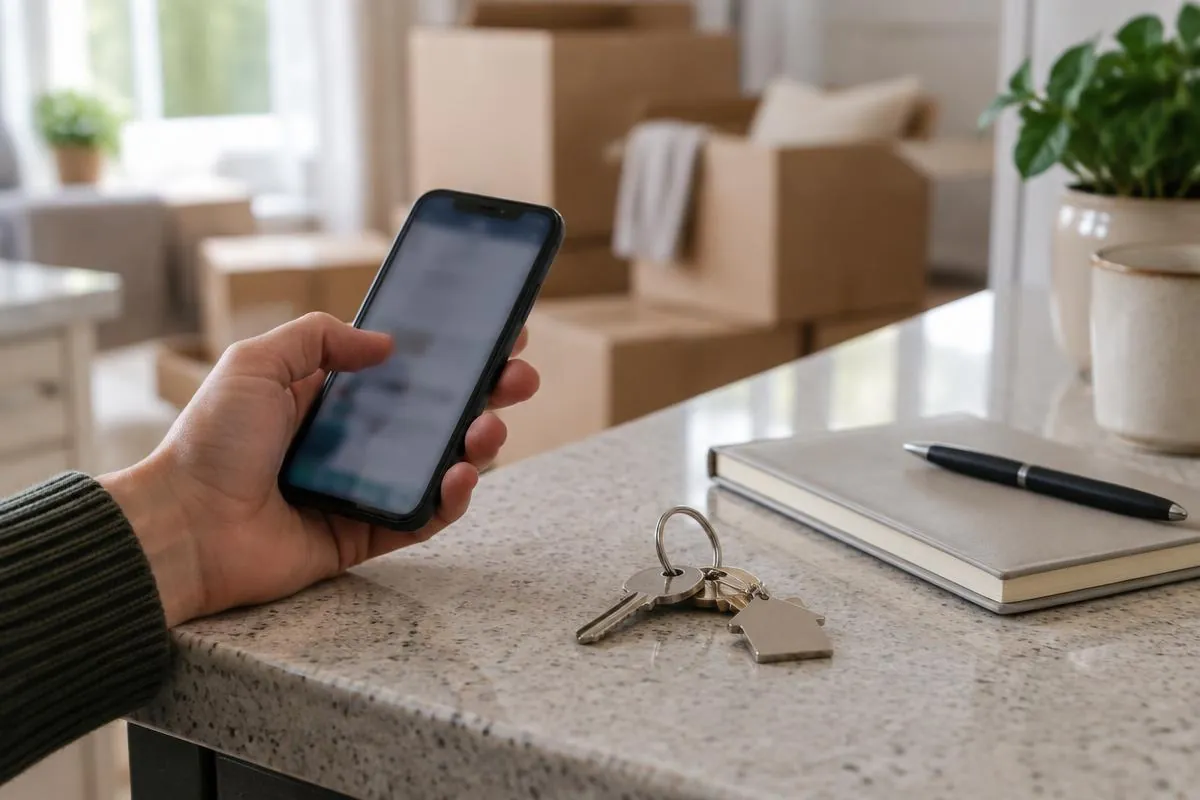
Start with your provider’s home-move team. Give them the full address, including the flat number if relevant, your postcode and the date you expect to get the keys. Ask what they can supply at that property and whether they can transfer your current package.
Availability can differ between individual properties, so check the exact address even if a neighbour has the service you want. Our guide explains how to check broadband at your new address.
What your provider says, and what to do next
| What your provider says | What to do next |
|---|---|
| Your current package is available | Ask whether your monthly price, discounts and contract end date will carry over. Get the move charge, if any, and activation date in writing. |
| A different package is available | Ask for the new download and upload speeds, all charges, the minimum term and any scheduled price rises. Compare that offer with other packages you can get at the new address. |
| It can’t supply the new address | Ask whether the provider will waive the early exit fee, whether it needs proof of your move and when you must send it. Get a final quote before making a decision. |
| You’re out of your minimum term | Check the notice period and final billing date. Compare the provider’s transfer offer with packages from other providers. |
Will I pay a fee to move or cancel broadband?
Ask for an itemised quote. A home-move or installation charge covers setting up service at the new address. An early exit fee may apply if you end the existing contract during its minimum term. Your final bill may also include charges for service already used or equipment you need to return.
If your provider can’t supply the new address, ask whether its home-move policy allows it to waive the exit fee. If there’s a waiver, confirm what evidence is accepted, the deadline, and whether the provider will remove the charge or credit it back later. Send any documents through the provider’s official channel and keep its written confirmation.
To estimate what leaving early could cost, try our broadband exit fee calculator.
Will moving home start a new broadband contract?
Ask the provider to confirm the date your minimum term ends after the move. You may be offered a transfer on your existing terms or a new deal with a new minimum term. If you’re offered a new deal, check its monthly price, scheduled price rises, contract length and setup fees before you accept. If broadband is part of a TV, phone or mobile bundle, ask which services and discounts will carry over.
Copyable message for your provider
I’m moving to [full new address and postcode] on [date]. Can you transfer my current broadband package? Please confirm the download and upload speeds, monthly price, any price rises and one-off fees, whether my contract end date will change, and the earliest activation date. If you can’t supply the new address, please confirm my final charges, whether you can waive any exit fee and what proof you need.
What if broadband is slower at the new address?
Ask for the estimated download and upload speeds for the exact property. If the provider quotes a minimum guaranteed speed, ask for it in writing. If you work from home, check upload speeds and consider how many people will be on video calls, streaming or gaming at the same time.
Compare any full-fibre, cable or fixed wireless options available at the property. Ask whether the slower package changes your price or minimum term, and check your provider’s terms before deciding whether to cancel. Not sure how much speed you need? Try our what speed do I need calculator.
Can you change broadband provider when you move house?
Yes. If you want a different provider at your new home, arrange service for the new address and contact your current provider separately about ending service at the old address. Confirm both dates in writing and ask whether you’ll have a gap in service or pay for an overlap.
Ofcom’s One Touch Switch process is for eligible switches between providers at the same address. When you’re leaving one property and ordering a service at another, make sure you know who is arranging each action. If you already use a provider-supplied email address, landline number or TV bundle, ask what happens to it before you close the old account.
Compare the cost of staying or switching
Enter the figures your current provider and the new provider have given you. The calculator works in your browser and doesn’t send or save anything you type.
Example figures
| Option | Monthly cost over 12 months | One-off charges | 12-month total |
|---|---|---|---|
| Transfer existing package | £30 × 12 | £25 home-move fee | £385 |
| Switch provider | £25 × 12 | £70 early exit fee + £20 setup | £390 |
These are example figures, not real prices. Use the quotes you’re given for your own move.
Moving-house broadband checklist
Tick each step as you go. Nothing you tick is saved, and you don’t need to sign in. Print it to keep beside your moving paperwork.
Moving house broadband FAQs
Can I cancel broadband for free if I move house?
It depends on your contract and your provider’s home-move policy. If you’re still in your minimum term, ask for a written exit-fee quote and check whether a waiver applies at your new address.
What if my new home already has broadband?
Ask who holds the account and whether that service will stay active. If it belongs to the previous occupant, tell your chosen provider when you take possession and ask when it can start service for you.
Can I have broadband at both addresses while I move?
Ask your provider if it can keep the old address connected while the new service starts. If you arrange separate services, check how long they will overlap and whether you’ll pay for both.
How early should I tell my broadband provider I’m moving?
Contact your provider once you know the new address and have a likely move date. Ask how much notice it needs and when the first installation slot is available, especially if an engineer visit is required.
Can I take my Wi-Fi router with me?
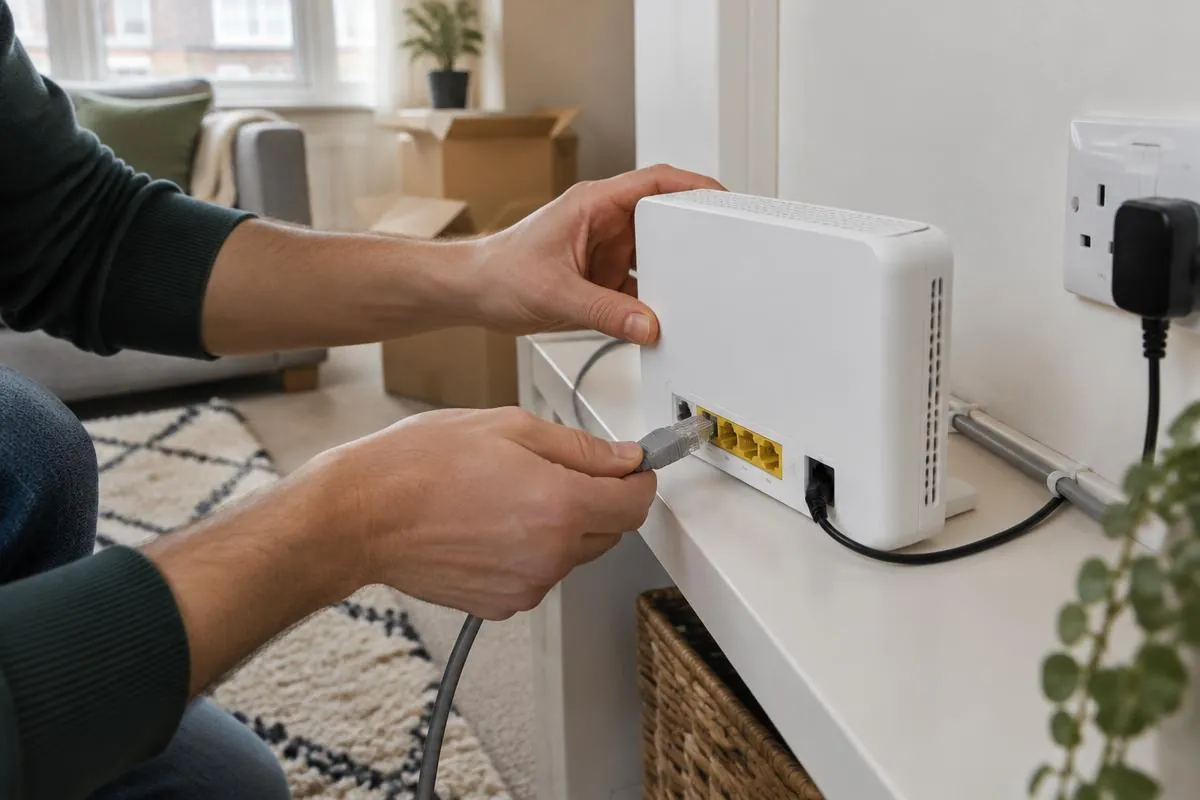
Ask the provider whether your current router will work at the new property. It may ask you to take it, return it or use a replacement. Check what to do with any equipment fixed to the wall before disconnecting it.
What if my moving date changes?
Contact the provider handling the move as soon as you have a new date. If you’re changing provider, contact both companies and get the revised cancellation and activation dates confirmed.
More help with broadband
Sources
Compare broadband for your new home
Compare advertised packages on CompareDirect, then confirm the price, availability and activation date with the provider.
Found this helpful? Share it with family and friends.
Know someone who might find this useful? Share it with them.