
- Free to useNo fees, no hidden costs
- Source-linked informationChecked against GOV.UK building rules and Royal Mail guidance
- Provider-direct linksGet your price from the provider
Free broadband tools and calculators
Check what speed you need, test your connection, work out exit fees and see what a contract really costs.
New homes in England
Gigabit ready
Since 26 December 2022, building rules in England require gigabit-ready cabling in new homes, with a gigabit connection where it can be fitted for up to £2,000.
Your address
Not live yet?
New addresses sit on Royal Mail's Not Yet Built file until the developer asks for them to go live.
Plot number
Keep it handy
Networks log your home under the developer's plot number until it is matched to your postal address.
While you wait
Go rolling
A 30 day 5G hub or a data SIM keeps you online without a long contract.
Start here
Why your new build address isn't showing up
Even if engineers have already laid full fibre cables right up to your front door, broadband providers rely on address databases to take orders. There are usually two hold ups.
Royal Mail hasn't made your postcode live
Your council gives your street its name and your home its number, then passes them to Royal Mail. New addresses wait on Royal Mail's Not Yet Built file, which most broadband websites can't see, until the home is ready to be lived in.
Your plot number isn't matched yet
During building work, engineers log your home under a developer plot number, for example Plot 14, Oakwood Rise. Until Openreach or your local full fibre network links that plot to your house number, online orders can fail.
The cables are often already there
A missing address is an admin problem. In most cases the fibre is in place and only needs the paperwork to catch up.
While you wait
How to get internet straight away
If you work from home or move in before your fibre line is live, don't lock yourself into a long contract out of desperation. Use one of these flexible stopgaps instead.
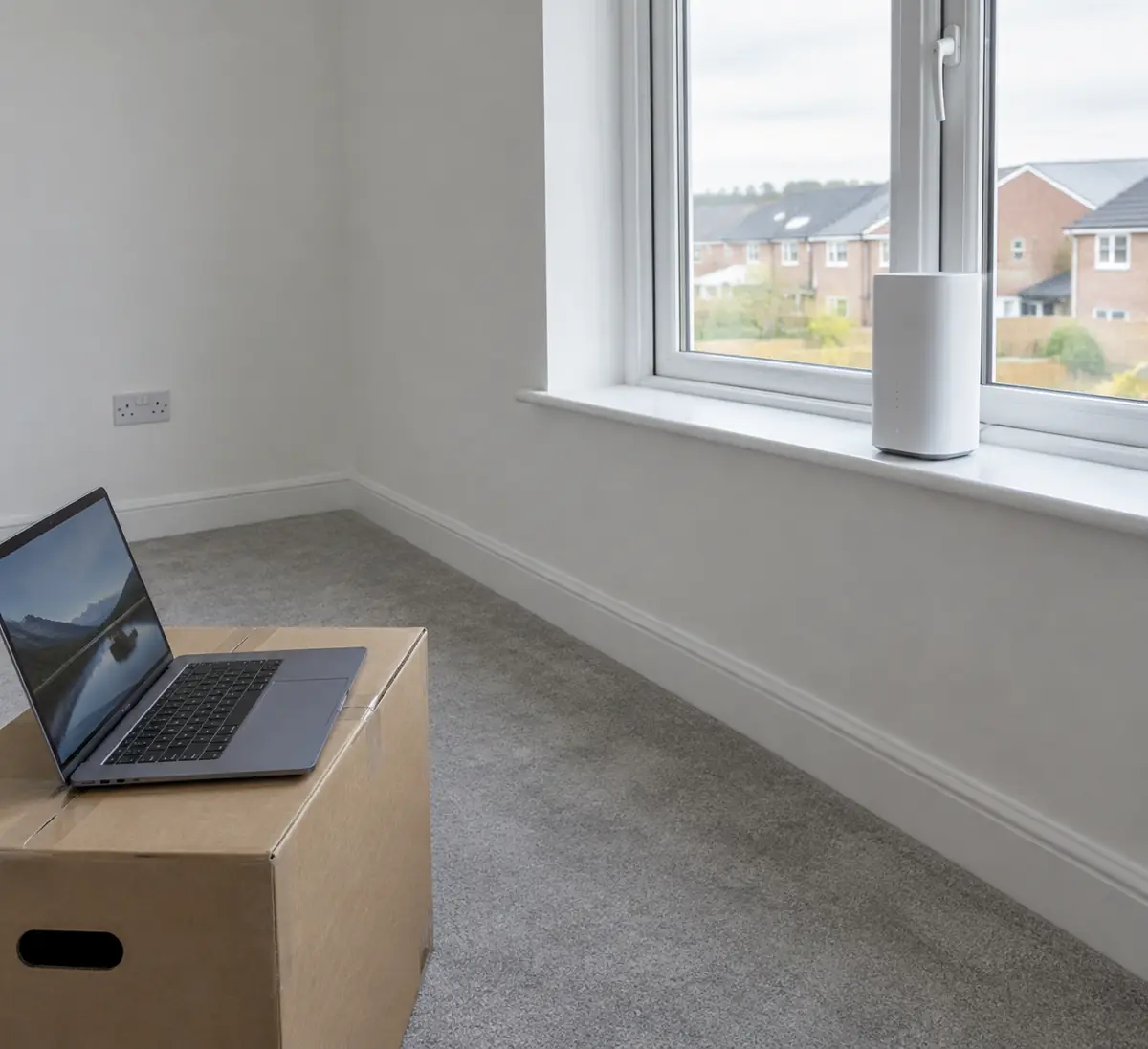
Temporary internet options
| Option | How it works | Best for |
|---|---|---|
| 5G or 4G home broadband hub | Plugs into a normal wall socket with no engineer visit. Some networks, such as Three, Vodafone and EE, sell them on 30 day rolling plans. | Households with strong mobile signal who need Wi-Fi for several devices and laptops straight away |
| Unlimited data SIM and a mobile hotspot | Take a 30 day unlimited data SIM and share the connection from your phone, or put the SIM in an unlocked 4G or 5G pocket router. | People moving alone or light users who want a cheap short term fix |
| Pre-installed starter broadband | Some developments come with a router already fitted and a starter period from the site's network before you choose a plan. | Buyers on larger new developments: check your welcome box for a router |
Tip: check a mobile coverage checker for your street before ordering a 5G hub. Modern new build insulation can weaken indoor signal, and placing the hub next to an upstairs window often helps.
Step by step
How to get your new build connected
Work through these steps in order. Starting a few weeks before you move in gives the paperwork time to catch up.
- 1
Check your developer's welcome pack
Find out which network built your site's cables (Openreach, which BT, Sky, Vodafone, Plusnet and EE use; Virgin Media; or a full fibre network such as Hyperoptic, Community Fibre or CityFibre). Note your plot number and site name exactly as written.
- 2
Check Royal Mail's postcode finder
Search for your new street. If it doesn't appear, it may still be on the Not Yet Built file, which the public finder doesn't show. Ask your developer's customer care team to ask Royal Mail to make your address live. Royal Mail asks developers to do this about two weeks before people move in.
- 3
Still missing? Contact your council
If your developer says the address was never registered, contact your local council's street naming and numbering team and ask them to confirm it has been sent to Royal Mail.
- 4
Order by phone using your plot number
Online forms usually reject addresses they don't recognise. Pick a provider that uses your site's network, call its sales or new homes team, and give your plot number, development name and street name. Ask them to raise an address update with Openreach or your local network.
- 5
Book your installation
Once the network links your plot number to your house number, your address appears in the system and you can book your installation date. This can take from a few days to a few weeks.
Order from a network that reaches your site
Ordering from a provider with no cables on your development will only end in a cancelled order. Check your welcome pack or ask your developer first.
Checklist
Getting connected smoothly
Three habits that save the most hassle when you move into a new build.
1. Start 4 to 6 weeks before moving day
Don't wait until you get the keys to check whether your address is live.
2. Confirm which network serves your plot
Ordering from a provider that has no cables on your development only leads to a cancelled order.
3. Keep a rolling 5G hub as backup
Never sign a 24 month mobile broadband contract just to cover a few weeks' delay.
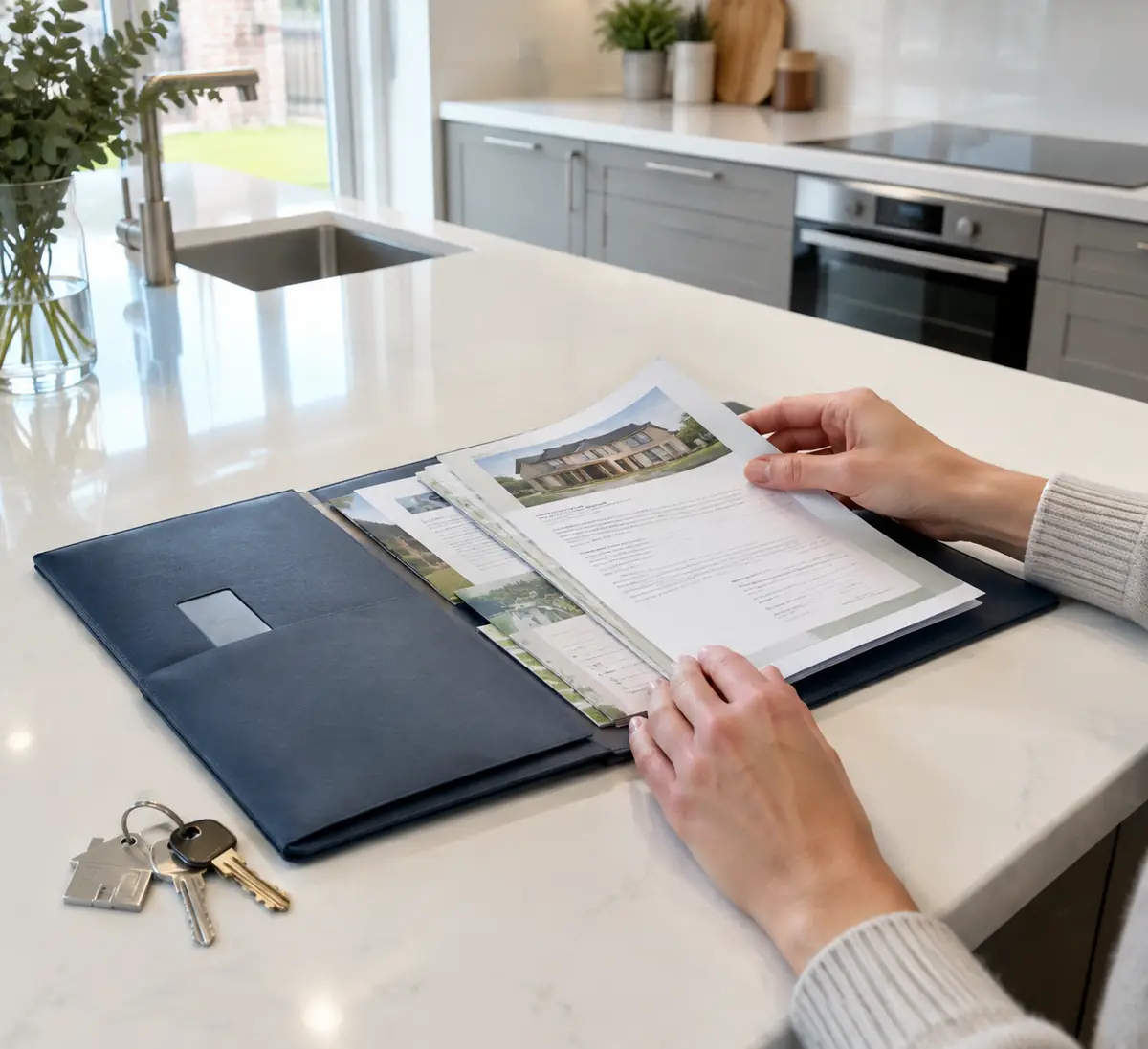
Welcome pack
What to look for in your handover paperwork
Before you call any broadband providers, check the handover pack from your housing developer. It usually holds everything you need.
Which network built the cables
Most developers work with Openreach, Virgin Media or an alternative full fibre network. This decides which providers can serve you.
Your plot number and site name
You'll need this exact reference to order while your postal address isn't live yet.
Any pre-installed router
Some homes come with a router ready to go, plus details of how to start a plan.
Developer contact details
Keep the customer care number handy so you can ask them to make your address live with Royal Mail.
Don't sign a long contract in a hurry
A short wait for your fibre line can feel urgent, but signing up to an 18 or 24 month mobile broadband deal to cover it can leave you paying for two services. Use a rolling plan as a stopgap, then compare full fibre deals once your address is live.
Before you move
Your new build broadband checklist
Run through these checks so you're online from day one.
- Find your plot number, site name and network in the welcome pack.
- Search for your street on Royal Mail's postcode finder.
- Ask your developer to make your address live with Royal Mail.
- Contact the council's street naming and numbering team if it's still missing.
- Order by phone from a provider on your site's network.
- Set up a rolling 5G hub or data SIM in case of delays.
Once your postcode is live, compare deals to see which providers and networks reach your new street.
Questions
New build broadband FAQs
How long does it take for a new build postcode to show up for broadband?
Once your council has registered the street name and house number, and your developer has confirmed the home is built, Royal Mail usually makes the address live within a few weeks. Broadband providers and the network then need a little longer to add it to their ordering systems, so allow from a few days to a few weeks after that.
Why does Royal Mail say my new build address is on the Not Yet Built file?
That means your council has assigned the street name and house number, but your developer has not told Royal Mail the build is finished. Ask your developer's customer care team to send a completion notice to Royal Mail so your postcode goes live.
Can I move my existing broadband to a new build without a postcode?
Usually yes, as long as your current provider uses the network installed at your development, for example Openreach or Virgin Media. Contact your provider's home move team as early as you can, ideally about a month before moving day, and give them your developer plot number so they can match the address by hand before you move in.
Are all new build houses fitted with full fibre?
In England, new homes built under the building rules that took effect on 26 December 2022 must have gigabit-capable cabling as standard, plus a gigabit-capable connection where it can be fitted for up to £2,000 per home. Similar requirements apply elsewhere in the UK, so in most cases the cables are already in place even if your postcode is not live yet.
Can I order broadband without a postcode?
Often, yes. Call a provider that uses your site's network and give your plot number, development name and street name. They can ask the network to match your plot to your address.
What's the quickest way to get online after moving in?
A 5G or 4G home broadband hub on a 30 day plan works as soon as you plug it in, as long as mobile signal is good at your home. A data SIM with a phone hotspot is the cheapest fix for one person.
Ready to compare deals for your new home?
Once your postcode is live, comparing deals helps you get the best speed and price for your new street. Compare full fibre broadband deals today to see which providers and networks reach your address.
Compare Broadband DealsLatest from CompareDirect
Related news
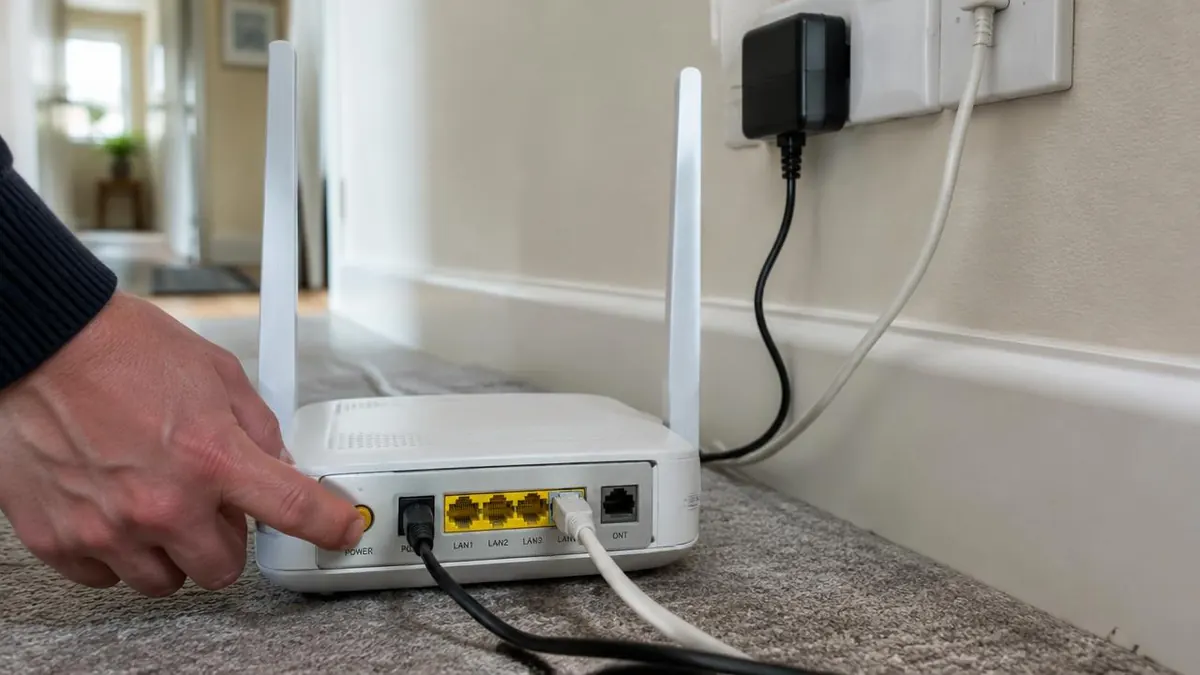
Digital landline switch-off: will broadband still work?
What changes for your phone and broadband by January 2027.
Read more
Broadband "average speed" claims explained
How to read the speeds providers advertise.
Read more
Virgin Media pauses full fibre upgrades
What customers should check now.
Read more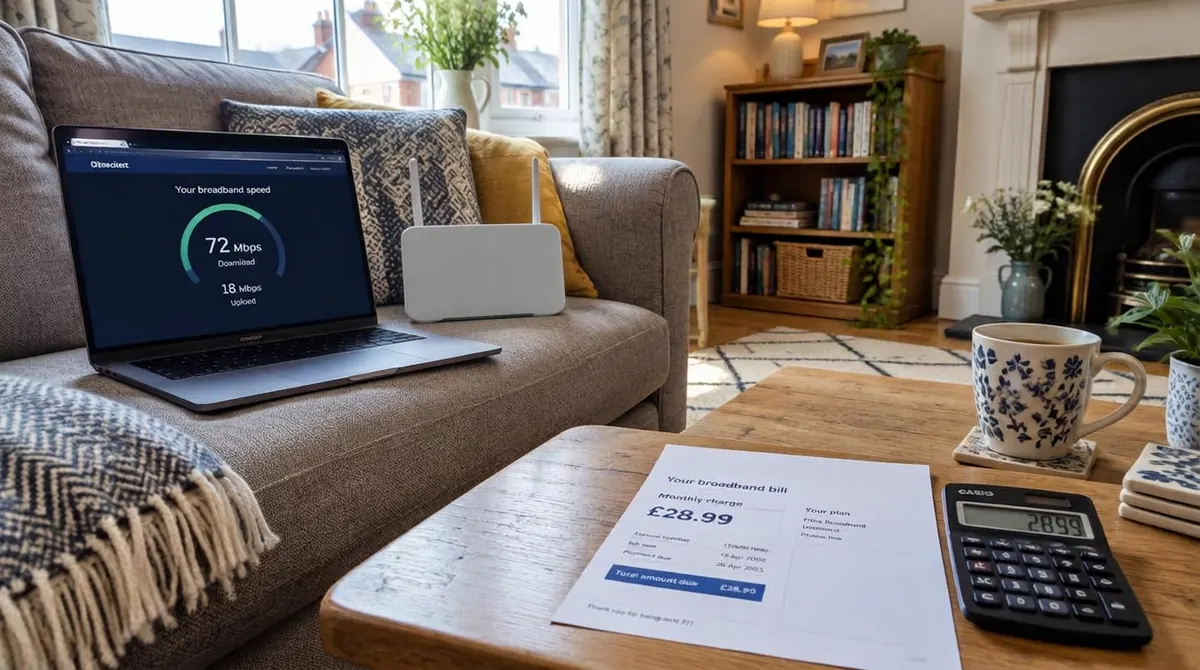
Autumn Budget 2026 and broadband bills
What the Budget means for what you pay.
Read moreKeep reading
Guides and tools

Best broadband in my area
How to check what you can get at your address.
Read more
Broadband without a landline
Full fibre and other options with no phone line.
Read more
Broadband social tariffs
Cheaper broadband if you get certain benefits.
Read more
Moving house broadband
Taking your contract with you, or switching.
Read moreSources
- GOV.UK: new build connectivity, information for developers
- GOV.UK: Approved Document R volume 1 (England)
- Exeter City Council: postcode allocations and Royal Mail's Not Yet Built file
- Ofcom: switching broadband provider
This page is general information, not advice. Providers set their own prices, speeds and terms, and availability depends on your exact address, so check the details with the provider before you order. Photos are illustrative.