
- Free to useNo fees, no hidden costs
- Source-linked informationChecked against Ofcom's switching and price rise guidance
- Provider-direct linksGet your price from the provider
Free broadband tools and calculators
Check what speed you need, test your connection, work out exit fees and see what a contract really costs.
Price rises
In £ and p
Since 17 January 2025, any price rises in new contracts must be shown upfront in pounds and pence.
Switching
One-Touch Switch
Your new provider arranges the switch. You don't need to contact your old provider to cancel.
Contract end
You'll be told
Providers must tell you before your minimum term ends what you pay now and what you could pay.
Speed
Buy what you use
Match the speed to your household, not the biggest number in the advert.
Start here
Why out-of-contract broadband costs more
When your minimum contract ends, most UK providers move you onto a standard out-of-contract price. That price is often noticeably higher than new customer deals for exactly the same connection. With full fibre networks expanding across the UK and switching rules simpler than before, comparing deals only takes a few minutes.
Check your end date
Look at your end-of-contract notice or your account to see when your minimum term finishes.
Check your speed needs
Think about how many people use the connection and what they do online.
Check the full cost
Add up setup fees and any price rises over the whole contract, not just the first month.
Step 1
Don't buy speed you don't actually use
Providers love advertising gigabit speeds (900Mbps and above), but paying for top-tier speed in a two-person flat is like buying a Ferrari just to sit in school-run traffic. Use this quick guide to match your household to the right download speed.

Rough speed guide
| Household and habits | Suggested speed | Typical connection |
|---|---|---|
| 1 to 2 people: browsing, emails, HD streaming on one TV | 35 to 67Mbps | Part fibre (FTTC) |
| 2 to 4 people: working from home, video calls, 4K streaming, light gaming | 100 to 300Mbps | Entry-level full fibre (FTTP) |
| 4 or more people: heavy gaming, large uploads, several 4K streams at once | 500Mbps to 1Gbps | Ultrafast full fibre (FTTP) |
Pro tip: if you work from home and upload large files or host video calls, check the upload speed as well as the download speed. Some full fibre providers, such as Community Fibre and Hyperoptic, offer symmetrical speeds on many plans, where uploads are as fast as downloads.
Step 2
Switching is now One-Touch easy
Many people put off switching because they worry about being left without internet or making awkward cancellation calls. Thanks to the UK's One-Touch Switch process, changing provider is much simpler.
- 1
Compare deals by postcode
See which networks and providers serve your exact address.
- 2
Pick your deal and start date
Choose your new deal and your preferred switch date.
- 3
Let your new provider do the rest
You don't need to contact your old provider to cancel. Your new provider arranges the switch behind the scenes, so you shouldn't pay for two services at once or wait days without Wi-Fi.
Check your contract first
Before switching, check whether you are still inside your minimum contract term. If you are, your old provider can charge early exit fees. Once the term has ended, you can switch without them.

Step 3
Look at the total contract cost, not just the headline price
A deal advertised at £26 a month might look cheaper than one at £28 a month until you add setup fees, delivery charges and annual price rises. When comparing deals, always check:
1. Upfront costs
Are you paying an activation or router delivery fee? These are often around £20 to £35.
2. Mid-contract rises
How much does the price rise each year, and when does it start?
3. Rewards and bill credit
Some providers offer gift cards or bill credit. Factor them into your total 18 or 24 month cost, and remember to claim your reward once your service goes live.
Step 4
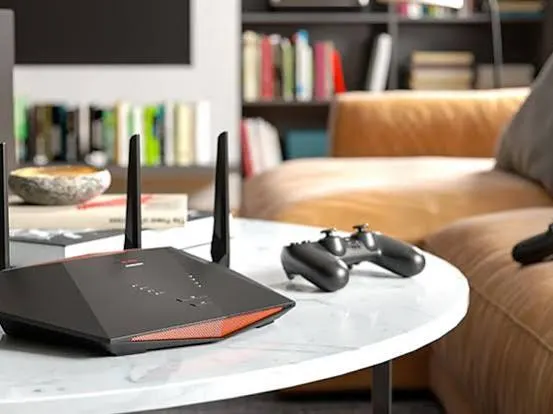
Check what router comes in the box
Even the fastest full fibre connection can feel sluggish if your router can't push the signal through thick brick walls.
Wi-Fi 6 or Wi-Fi 7
Look for deals that include a modern Wi-Fi 6 or Wi-Fi 7 router as standard. These cope better with lots of phones, laptops and smart home gadgets at once.
Whole-home Wi-Fi
If you live in a larger house or have dead zones upstairs, some providers offer optional add-ons with mesh boosters to improve the signal in every room. Check exactly what each provider promises.
Price rises must be shown in pounds and pence
Under Ofcom's rules, new contracts taken out since 17 January 2025 cannot include inflation-linked or percentage-based price rises. Any rises must be stated upfront in pounds and pence before you sign up. Older contracts may still have inflation-linked terms.
Before you order
Your quick checklist
Run through these checks before you sign up to a new broadband deal.
- Check which networks reach your address by postcode.
- Choose a speed that matches your household.
- Add up the total cost over the whole contract, including fees and price rises.
- Check the router and any Wi-Fi add-ons.
- Check your current contract end date to avoid early exit fees.
Deals vary street by street depending on which full fibre cables have been laid in your area.

Questions
Common questions
Do I need to cancel my old broadband?
Usually not. Under One-Touch Switch, your new provider arranges the switch and your old service ends on the switch date.
Will I be left without internet?
The switch is coordinated so the new service starts as the old one ends. There may be a short break on the day.
Can my price go up during the contract?
Only as set out in your contract. For new contracts since 17 January 2025, any rises must be shown in pounds and pence before you sign up.
What speed do I need?
Most small households are fine with 35 to 67Mbps. Busier homes that work, stream and game at once may want 100Mbps or more.
Ready to see what you could save?
Deals vary street by street depending on which full fibre cables have been laid in your area. Enter your postcode to compare broadband deals today and see how much you could knock off your monthly bill.
Compare Broadband DealsLatest from CompareDirect
Related news
Digital landline switch-off: will broadband still work?
What changes for your phone and broadband by January 2027.
Read more
Broadband "average speed" claims explained
How to read the speeds providers advertise.
Read more
Virgin Media pauses full fibre upgrades
What customers should check now.
Read more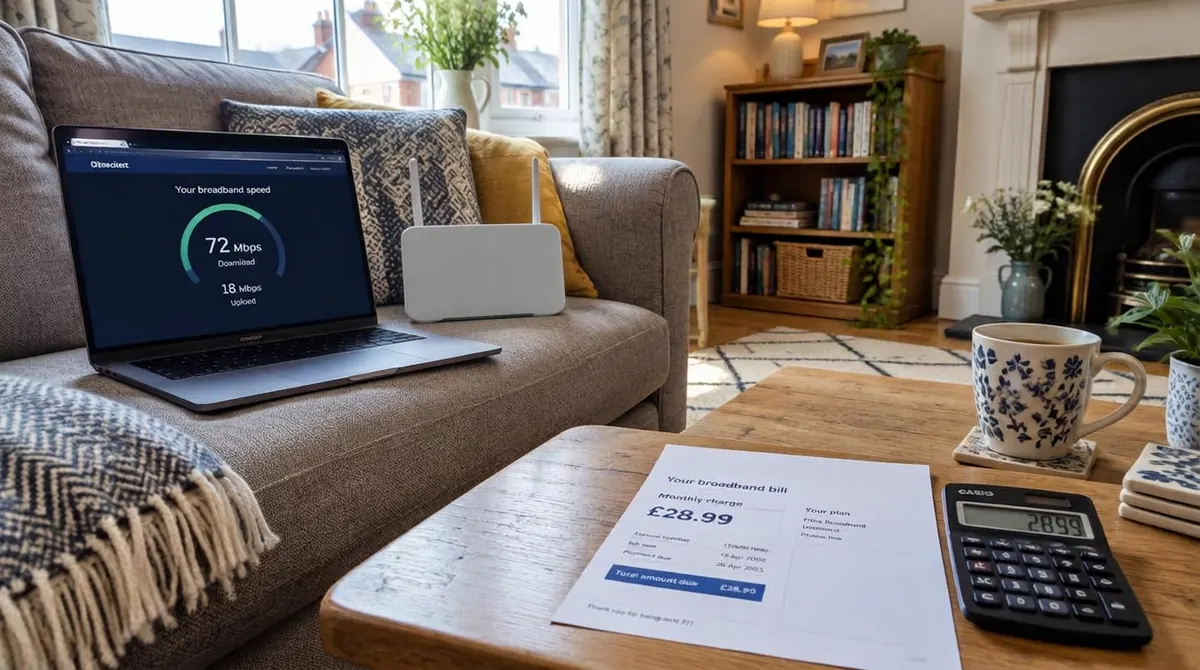
Autumn Budget 2026 and broadband bills
What the Budget means for what you pay.
Read moreKeep reading
Guides and tools

Best broadband in my area
How to check what you can get at your address.
Read more
Broadband without a landline
Full fibre and other options with no phone line.
Read more
Broadband social tariffs
Cheaper broadband if you get certain benefits.
Read more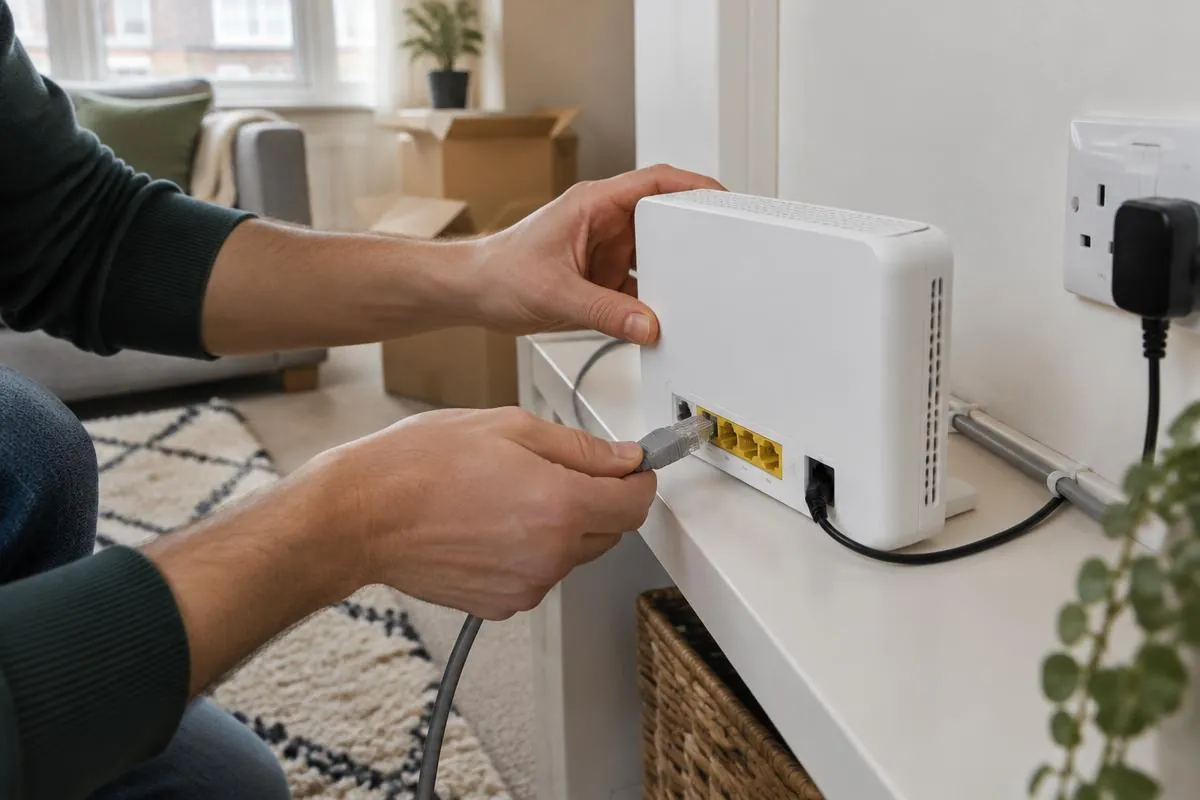
Moving house broadband
Taking your contract with you, or switching.
Read moreSources
- Ofcom: switching broadband provider
- Ofcom: telecoms price rises, what are your rights?
- Ofcom: broadband speeds, what you need to know
This page is general information, not advice. Providers set their own prices, speeds and terms, and availability depends on your exact address, so check the details with the provider before you order. Photos are illustrative.