
- Free to useNo fees, no hidden costs
- Source-linked informationCoverage and rules from Ofcom
- Provider-direct linksGet your price from the provider
Free broadband tools and calculators
Check what speed you need, test your connection, work out exit fees and see what a contract really costs.
UK homes covered
82%
24.9 million homes could get full fibre in January 2026, Ofcom says.
Planned by 2028
92%
Ofcom's estimate if every network's build plans happen.
Named before you buy
Full or part
Providers can't call a service just "fibre" any more.
Price rises
In £ and p
Any rise in a new contract must be shown in pounds and pence upfront.
The basics
How full fibre works
Older broadband uses copper phone wires for some or all of the journey to your home. Full fibre, also called fibre to the premises (FTTP), replaces that copper with glass fibre that carries data as pulses of light, from the network right up to a small box inside your home.
Fibre all the way
Light travels down the fibre with very little loss, so your speed doesn't fade the further you live from the street cabinet, as it can on copper.
Steadier at busy times
There's more capacity on a fibre line, so it copes better when everyone at home is streaming, gaming and on video calls at once.
Room to grow
Faster packages can usually be switched on without new cabling at your home, so the same connection can keep up as your needs change.
Know the difference
Full fibre, part fibre, cable and copper compared
Since September 2024 Ofcom's guidance says providers must describe the network behind a deal in clear words, such as full fibre, part fibre, cable or copper, before you buy. Here's what each term means.
Types of home broadband connection
| Type | How it reaches you | What to expect | Good to know |
|---|---|---|---|
| Full fibre (FTTP) | Fibre-optic cable from the network all the way into your home | The fastest home speeds and the most consistent connection | Needs an installation if your home isn't connected yet |
| Part fibre (FTTC) | Fibre to the street cabinet, then the copper phone line to your home | Fine for many homes, but speed drops the further you are from the cabinet | Uses the existing phone line, so it's often quick to set up |
| Cable | Fibre to the street, then a coaxial cable into your home | Fast speeds where the cable network reaches | Only available on streets the cable network covers |
| Copper (ADSL) | Copper phone line all the way from the exchange | The slowest fixed option | Being replaced as networks move to fibre |
| Fixed wireless or satellite | A radio or satellite link to an antenna or dish at your home | Useful where cables don't reach | Speeds and costs vary widely; check the details carefully |
Ofcom's guidance says the word "fibre" on its own shouldn't be used to describe a broadband technology, because it was being used for very different networks.
Getting connected
Six steps to switch to full fibre
Moving to full fibre is usually simple. Here's what to expect from checking your address to your first connection.
- 1
Check your exact address
Coverage varies house by house, even on the same street. Use a provider's checker or our postcode checker with your full address.
- 2
Check when your current contract ends
Your provider must tell you when your contract is ending. Leaving early can mean an exit fee, so check before you order.
- 3
Compare full fibre deals
Look at the monthly price, any price rises shown in pounds and pence, the contract length, setup fees and the minimum guaranteed speed.
- 4
Order with your new provider
Under One Touch Switch, the provider you're moving to arranges the switch, and your old provider can't charge for notice after the switch date.
- 5
Get ready for the installation
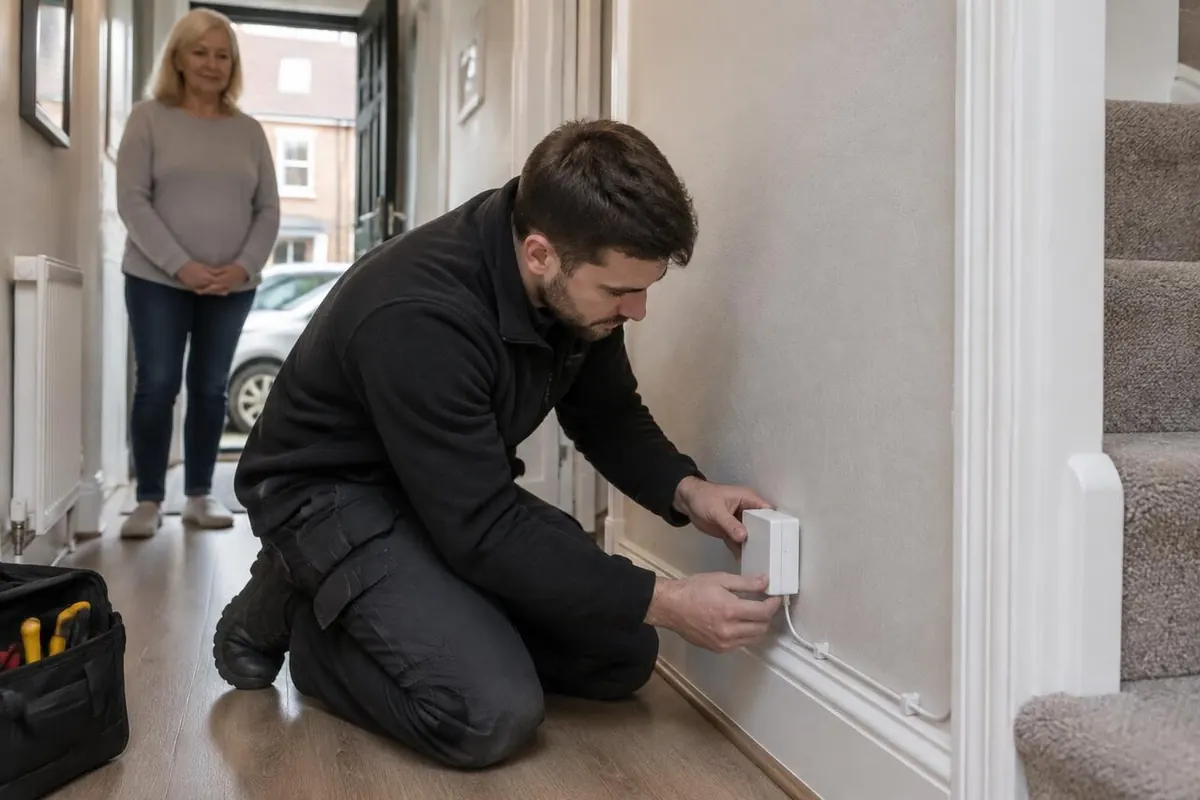
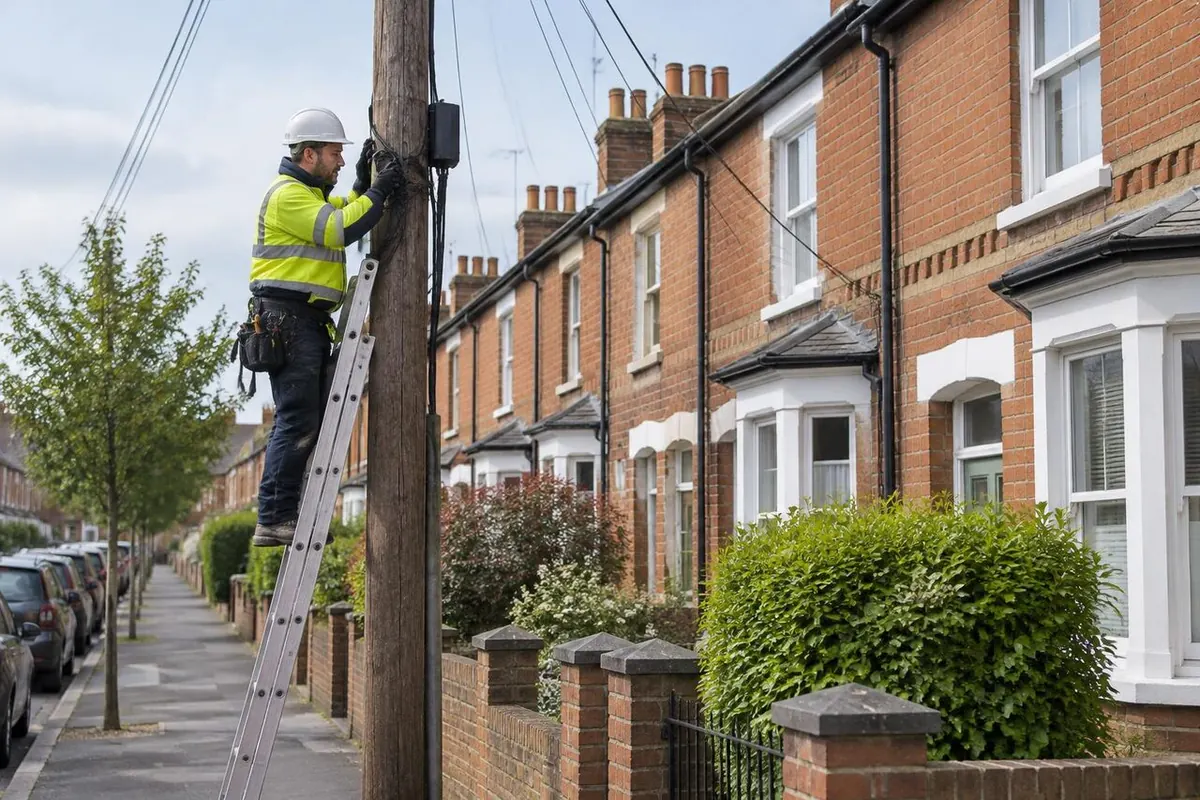
If your home isn't connected yet, an engineer usually brings the fibre in from a pole or underground duct and fits a small box inside. Agree where it goes before work starts.
- 6
Plug in and test
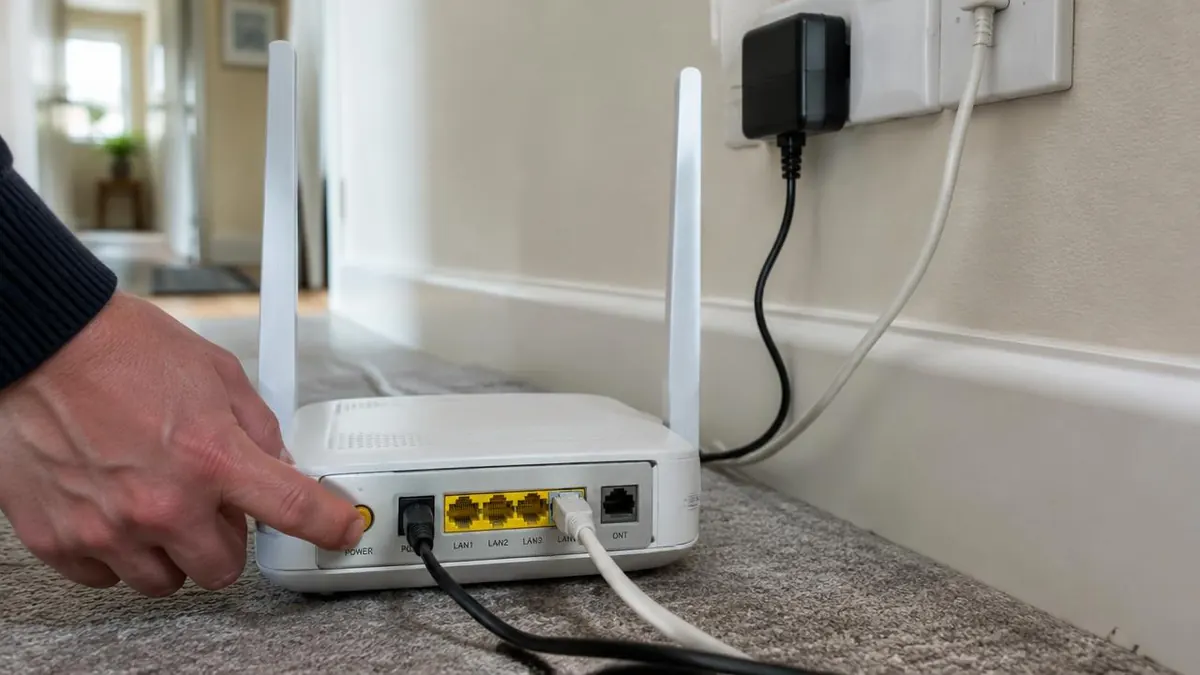
Connect the router, test your speed on a wired device, and keep the details of the speed you were promised in case you need them later.
Choosing a speed
What speed do you need?
Full fibre packages come in a range of speeds, and faster ones usually cost more. Think about how many people use the internet at once and what they do, then choose the slowest package that comfortably covers your busiest times.
Broadband speed bands and what they suit
| Speed band | Download speed | Usually enough for |
|---|---|---|
| Decent | At least 10Mbit/s (with 1Mbit/s upload) | One or two people browsing, email and standard-definition streaming |
| Superfast | 30Mbit/s or more | A small household streaming in HD and making video calls |
| Ultrafast | 300Mbit/s or more | Busy homes with several 4K streams, gaming and home working |
| Gigabit | 1,000Mbit/s (1Gbit/s) | Very heavy users, large uploads and lots of devices at once |
Speed bands use Ofcom's definitions. Our what speed do I need calculator gives a personal estimate.
Get the most from it
10 tips to get the most from full fibre
A full fibre line is only as good as the setup inside your home. These tips help you get the speed you're paying for, without overpaying.
1. Don't buy more speed than you need
Most households don't need gigabit speeds. Pick a package that covers your busiest evening, and upgrade later if you need to.
2. Put the router somewhere central
Keep it out in the open, off the floor and away from thick walls, mirrors and the microwave. Wi-Fi fades through walls and floors.
3. Plug in what matters most
Use an ethernet cable for a work computer, games console or smart TV. A wired connection gets the full speed of the line.
4. Use mesh Wi-Fi in a big home
If some rooms struggle, mesh units or Wi-Fi extenders spread the signal. Ask your provider what it offers before you buy your own.
5. Check the upload speed
Video calls, cloud backups and sending big files rely on upload speed. Many full fibre packages offer much faster uploads than copper.
6. Keep the minimum guaranteed speed
Providers in Ofcom's speeds code must give you one. If speeds fall below it and aren't fixed within 30 days, you can leave without a penalty.
7. Note your contract end date
Set a reminder a month before it ends. Out-of-contract prices are often higher than new deals.
8. Read the price rise line
New contracts must show any rises in pounds and pence. Add them up over the whole contract, not just the first month.
9. Tell your provider about care alarms
If you use a telecare alarm or other device on your phone line, tell your provider before you switch, so it keeps working.
10. Keep a mobile backup for emergencies
Home phone calls over full fibre need power. Keep a charged mobile handy in case of a power cut.

Save money
Ways to pay less for full fibre
Full fibre doesn't have to cost more than the broadband you have now. Look at all of these before you sign.
Smaller local networks
Independent full fibre networks often compete hard on price where they've built. Check which ones reach your address.
New customer deals
Providers often save their best prices for new customers. Compare before your contract ends, then decide whether to switch or haggle.
Social tariffs
If you get Universal Credit, Pension Credit or certain other benefits, a social tariff can be much cheaper. Some are full fibre.
Setup fees and router costs
A low monthly price can come with an upfront fee. Add every charge together to compare the true cost.
Shorter or longer contracts
A longer contract can lower the monthly price but ties you in. Weigh the total cost against how long you'll stay.
Bundles you don't use
Paying for a landline, TV or calls you never use adds up. Choose broadband only if that's all you need.
Choosing a package
Three kinds of full fibre package
Full fibre deals usually fall into three groups. The right one depends on how many people are online at once, not on the biggest number.
Everyday full fibre
- Browsing, email and social media
- HD streaming on one or two screens
- Video calls for one person
- Less suited to: Big households with lots going on at once
Often the best value, and still steadier than part fibre.
Faster full fibre
- Several 4K streams at once
- Online gaming and big downloads
- Two or more people working from home
- Less suited to: Very heavy uploading every day
A good fit for most family homes.
Gigabit full fibre
- Lots of devices all at the same time
- Large file uploads and backups
- Homes that want plenty of headroom
- Less suited to: Small homes with light use
Usually the dearest tier. Check you'll use it.
Your landline and full fibre
Full fibre doesn't need a traditional phone line, and landlines across the UK are moving to digital. Here's what that means.
Digital landlines
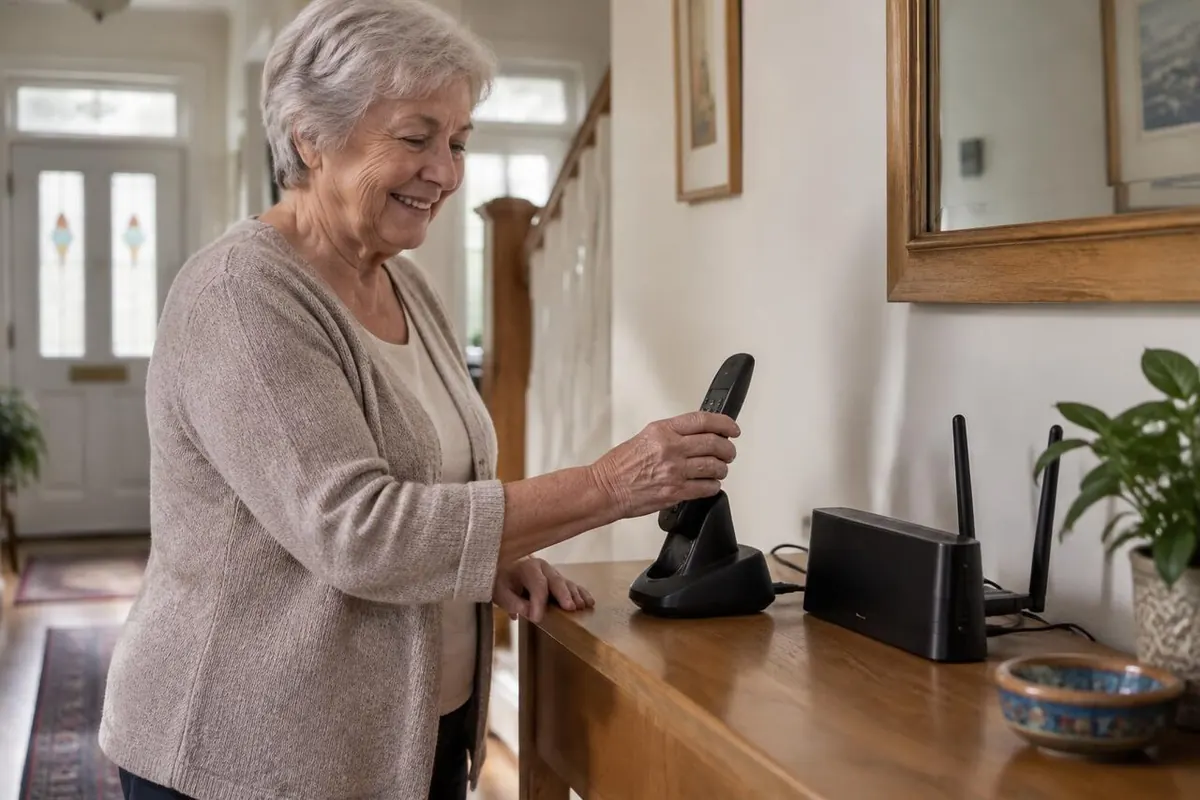
Home phone calls now run over your broadband. You plug your phone into the router instead of the wall socket, and you can usually keep your number.
The switch-off date
BT plans to retire the old copper phone network by 31 January 2027, and other providers are following a similar timetable.
Power cuts
A digital landline won't work in a power cut unless there's a battery backup. Tell your provider if you have no mobile or poor signal at home.
Care alarms and other devices
Telecare alarms, health pendants and some security alarms use the phone line. Tell your provider before the change so it can make sure they still work.
Don't be misled by "fibre" in the name
Some older adverts and package names still say "fibre" for part-fibre services that use copper for the last stretch to your home. Before you order, check that the description says full fibre (or FTTP), look at the estimated and minimum guaranteed speeds for your address, and make sure the speed you're paying for is the one the line can actually deliver.
Before you sign
Price rises and contract terms: what to check
Most broadband contracts last 12 to 24 months. Since January 2025, any price rise written into a new contract must be set out in pounds and pence before you sign, so you can work out the full cost.
- The monthly price, plus every price rise and the date it starts.
- Setup, installation and router delivery fees.
- The contract length and the early exit fee if you leave before it ends.
- The estimated speed at busy times and the minimum guaranteed speed.
- What happens to your landline number and any care alarm when you switch.
Our broadband monthly cost calculator adds up your price rises and fees over the whole contract.

Questions
Full fibre broadband FAQs
What is full fibre broadband?
Broadband delivered over fibre-optic cable all the way to your home, with no copper phone line. It's also called fibre to the premises, or FTTP.
Can I get full fibre at my address?
Ofcom says full fibre reached 82% of UK homes in January 2026. Coverage is decided house by house, so check your exact address with providers or our postcode checker.
Is full fibre worth it?
For most homes, yes, if it's available at a similar price. It's more consistent than part fibre and copes better when lots of people are online. Compare the total cost, not just the speed.
Do I need a landline for full fibre?
No. Full fibre doesn't use a phone line. If you want a home phone, it runs over your broadband as a digital landline, and you can usually keep your number.
Will an engineer need to drill into my home?
If your home isn't already connected, an engineer usually needs to bring the fibre in through a wall and fit a small box inside. Ask your landlord's permission first if you rent.
Is full fibre the same as fibre broadband?
Not always. "Fibre broadband" was often used for part-fibre services that use copper for the last stretch. Ofcom's guidance now says providers must say clearly whether a service is full fibre or part fibre.
How fast is full fibre?
It depends on the package. Speeds range from entry-level packages to 1Gbit/s (gigabit) and beyond. Choose the speed that suits your busiest times.
What happens if my full fibre is slower than promised?
Tell your provider. If it signed Ofcom's speeds code and can't fix a problem on its network within 30 days, it must let you leave without an exit fee.
Ready to compare full fibre?
See advertised broadband deals side by side, then check availability and the exact price with the provider using your full address.
Compare broadband deals
Latest from CompareDirect
Related news
Digital landline switch-off: will broadband still work?
What changes for your phone and broadband by January 2027.
Read more
Broadband "average speed" claims explained
How to read the speeds providers advertise.
Read more
Virgin Media pauses full fibre upgrades
What customers should check now.
Read more
Autumn Budget 2026 and broadband bills
What the Budget means for what you pay.
Read moreKeep reading
Guides and tools

Best broadband in my area
How to check what you can get at your address.
Read more
Broadband without a landline
Full fibre and other options with no phone line.
Read more
Broadband social tariffs
Cheaper broadband if you get certain benefits.
Read more
Moving house broadband
Taking your contract with you, or switching.
Read moreSources
- Ofcom: Connected Nations update, Spring 2026
- Ofcom: planned network deployments 2026
- Ofcom: customers to get clearer broadband information
- Ofcom: telecoms price rises, what are your rights?
- Ofcom: broadband speeds, what you need to know
- Ofcom: switching broadband provider
- Ofcom: your landline is going digital
This page is general information, not advice. Providers set their own prices, speeds and terms, and availability depends on your exact address, so check the details with the provider before you order. Photos are illustrative.