
- Free to useNo fees, no hidden costs
- Source-linked informationCalculated with our download time calculator; rules from Ofcom
- Provider-direct linksGet your price from the provider
Free broadband tools and calculators
Check what speed you need, test your connection, work out exit fees and see what a contract really costs.
Bits and bytes
8 to 1
Speeds are in bits, file sizes in bytes. There are 8 bits in a byte.
At 100Mbit/s
12.5MB
Downloaded each second at best, before Wi-Fi and busy times slow it.
HD film at 67Mbit/s
9 min 57 sec
Best-case time for a typical 5GB HD film.
Busiest time
8pm to 10pm
The evening peak Ofcom uses for estimated home broadband speeds.
9 min 57 sec
This is the best case at full speed. Wi-Fi, busy times and the website you download from often make it slower.
The basics
How download times are worked out
The sum is simple: divide the size of the file by the speed of your connection. The catch is the units. File sizes are measured in bytes (MB and GB), but broadband speeds are measured in bits per second (Mbit/s, often written Mbps).
Turn bytes into bits
Multiply the file size by 8. A 1GB file is 8,000 megabits (using 1GB = 1,000MB, the way download sizes are usually shown).
Divide by your speed
8,000 megabits on a 100Mbit/s line takes 80 seconds at full speed. On a 30Mbit/s line it takes about four and a half minutes.
Expect a little longer
That's the best case. Wi-Fi, other people online at home, busy evenings and the server you're downloading from all add time.
At a glance
Download times by file size and broadband speed
Find the size of your file down the side and your broadband speed across the top. Times assume your connection runs at full speed for the whole download.
Best-case download times
| File size | 30Mbit/s | 67Mbit/s | 150Mbit/s | 500Mbit/s | 900Mbit/s |
|---|---|---|---|---|---|
| 100MB | 27 sec | 12 sec | 5 sec | 2 sec | 1 sec |
| 1GB | 4 min 27 sec | 1 min 59 sec | 53 sec | 16 sec | 9 sec |
| 5GB | 22 min 13 sec | 9 min 57 sec | 4 min 27 sec | 1 min 20 sec | 44 sec |
| 20GB | 1 hr 28 min | 39 min 48 sec | 17 min 47 sec | 5 min 20 sec | 2 min 58 sec |
| 50GB | 3 hr 42 min | 1 hr 39 min | 44 min 27 sec | 13 min 20 sec | 7 min 24 sec |
| 100GB | 7 hr 24 min | 3 hr 19 min | 1 hr 28 min | 26 min 40 sec | 14 min 49 sec |
Calculated by dividing the file size (1GB = 1,000MB) by the speed. Real downloads usually take longer.
Everyday downloads
How long do films, games and updates take?
File sizes vary a lot by title, device and picture quality, so these use typical sizes. Check the size shown in your app store, console or streaming app, then use the calculator for an exact figure.

Typical downloads and how long they take
| Download | Typical size | 67Mbit/s | 150Mbit/s | 500Mbit/s |
|---|---|---|---|---|
| A music album | About 100MB | 12 sec | 5 sec | 2 sec |
| A phone app | About 500MB | 1 min | 27 sec | 8 sec |
| An HD film | About 5GB | 9 min 57 sec | 4 min 27 sec | 1 min 20 sec |
| A phone or computer system update | About 6GB | 11 min 56 sec | 5 min 20 sec | 1 min 36 sec |
| A 4K film | About 20GB | 39 min 48 sec | 17 min 47 sec | 5 min 20 sec |
| A big console or PC game | About 100GB | 3 hr 19 min | 1 hr 28 min | 26 min 40 sec |
Typical sizes are rough guides, not the size of any particular film, game or update.
Check it yourself
Six steps to estimate any download
You don't need to do the maths in your head. Here's how to get a realistic figure for your own connection.
- 1
Find the file size
App stores, consoles and download pages usually show it. Note whether it's in MB or GB.
- 2
Run a speed test
Use our free speed test on a device plugged into the router if you can. That shows what your line can really do.
- 3
Use the download speed figure
Speed tests show download and upload. Downloads use the download figure, usually the bigger number.
- 4
Put both into the calculator
Our download time calculator does the bits-and-bytes conversion for you and gives a best-case time.
- 5
Add some breathing room
If others are online or you're on Wi-Fi, expect it to take longer. Busy evenings are often slowest.
- 6
Plan big downloads for quiet times
Start large games and updates overnight or early in the day, when fewer people are online at home and nearby.
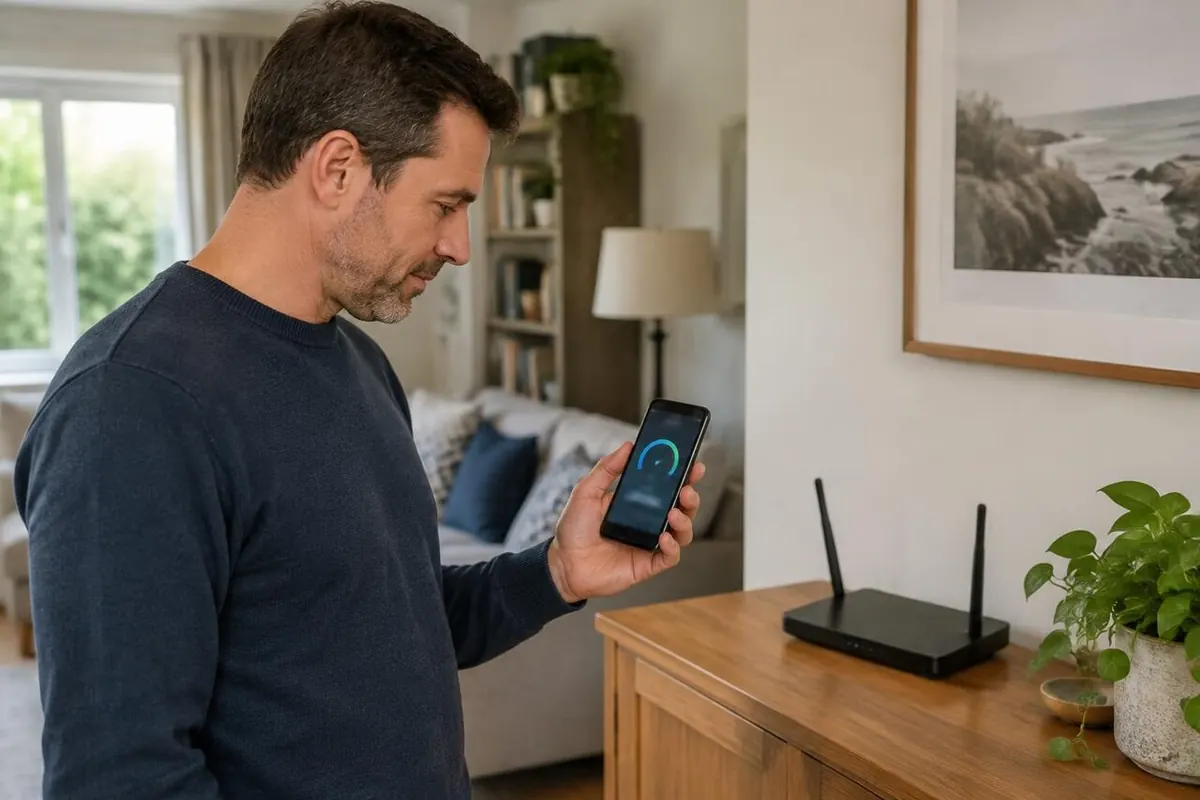
Megabits and megabytes
What your broadband speed means in megabytes
Downloads in your browser or app store often show progress in megabytes per second (MB/s), while your package is sold in megabits per second (Mbit/s). Divide by 8 to compare them.

Broadband speed in megabits and megabytes
| Broadband speed | Megabytes each second | Time for a 1GB file |
|---|---|---|
| 10Mbit/s | 1.3MB | 13 min 20 sec |
| 30Mbit/s | 3.8MB | 4 min 27 sec |
| 67Mbit/s | 8.4MB | 1 min 59 sec |
| 100Mbit/s | 12.5MB | 1 min 20 sec |
| 150Mbit/s | 18.8MB | 53 sec |
| 500Mbit/s | 62.5MB | 16 sec |
| 900Mbit/s | 112.5MB | 9 sec |
| 1,000Mbit/s | 125MB | 8 sec |
So if your download shows about 8MB/s, your connection is delivering around 64Mbit/s.
Speed things up
10 ways to download faster
Before paying for a faster package, try these. Many slow downloads are caused inside the home, not by the line.
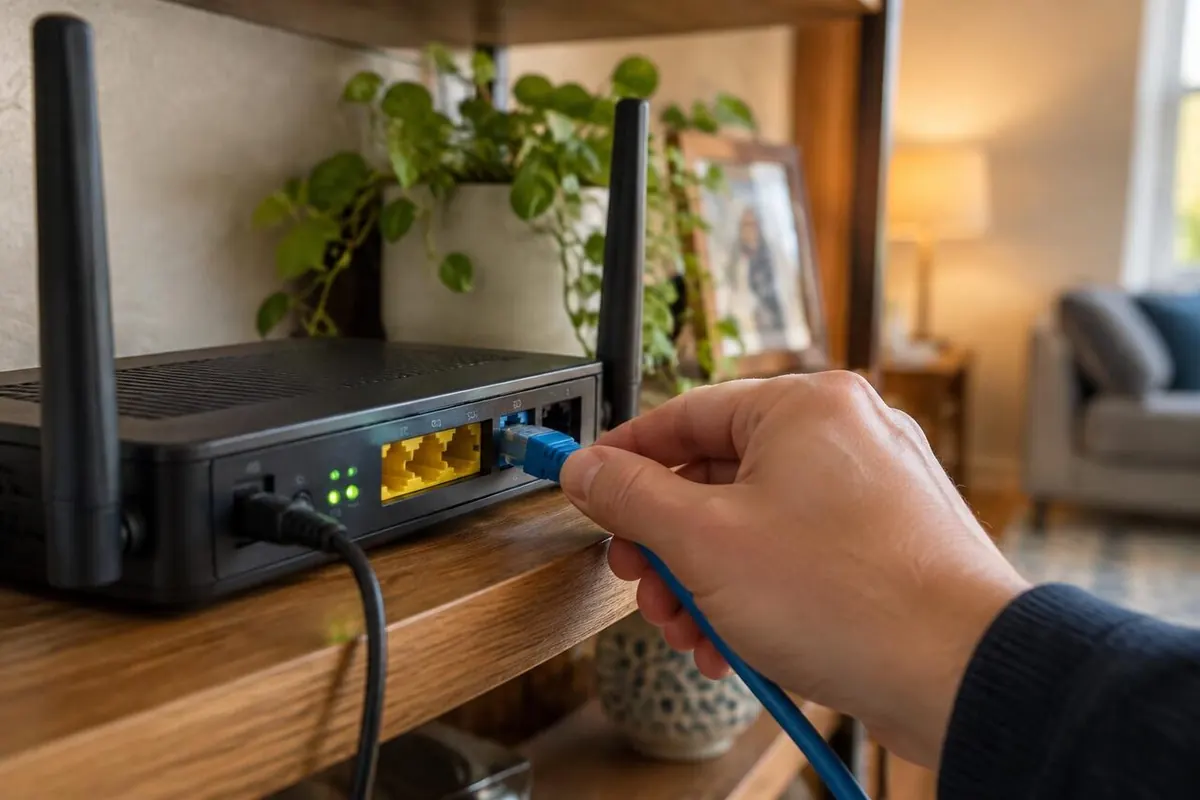
1. Plug in with an ethernet cable
A wired connection to the router is faster and steadier than Wi-Fi, especially for consoles and computers.
2. Move closer to the router
Wi-Fi weakens through walls, floors and furniture. If you can't plug in, get as close as you can.
3. Pause other heavy users
Your speed is shared. 4K streaming and video calls in other rooms take a slice of every download.
4. Download overnight
Leave big games and updates to run while you sleep, when the house and the network are quieter.
5. Turn off a VPN for big downloads
A VPN sends your data through an extra server, which can slow things down.
6. Restart your router now and then
A quick restart can clear glitches that slow everything down. Leave it off for 30 seconds.
7. Update the device first
Older Wi-Fi hardware can limit speed. Check your console, laptop or phone has its latest updates.
8. Check your minimum guaranteed speed
If your line is well below the speed your provider guaranteed and it can't fix it in 30 days, you may be able to leave without a fee.
9. Pick the right package
Lots of big downloads? A faster package or full fibre could save hours. Light user? Don't pay for speed you won't use.
10. Pre-load before a trip
Download films and playlists at home over broadband before you travel, rather than on mobile data.
Faster for less
Getting faster downloads without overpaying
A quicker connection doesn't always mean a bigger bill. Check these before you choose.
Full fibre at a similar price
Full fibre is often priced close to slower part-fibre packages. Check what's available at your address.
Smaller local networks
Independent full fibre networks often offer fast speeds at keen prices where they've built.
Upgrade at renewal
When your contract ends, ask your provider for a faster package at your current price.
Better Wi-Fi, not a faster line
If downloads are slow on Wi-Fi but fine on a cable, a better router or mesh system may fix it.
Count every cost
Compare the total over the contract, including setup fees and any price rises shown in pounds and pence.
Social tariffs
If you get certain benefits, a social tariff can give you decent speeds for much less.
Which speed?
Which speed suits your downloads?
Think about the biggest downloads you do often, and how many people are online at the same time.
Up to around 70Mbit/s
- Apps, music and photos in seconds
- An HD film in around 10 minutes
- One or two people online
- Less suited to: Frequent big game downloads
Fine for most small households.
Around 150 to 500Mbit/s
- A 4K film in minutes
- Big games in under two hours
- Several people streaming at once
- Less suited to: Very large daily uploads
A good fit for busy family homes.
Around 900Mbit/s and above
- A 100GB game in about 15 minutes
- Lots of devices at once
- Big cloud backups and uploads
- Less suited to: Light users who mainly browse
Only worth it if you'll use the speed.
Why your download is slower than the calculator
The calculator shows the best case. These are the usual reasons real downloads take longer.
The server you're downloading from
When a big game or update launches, millions of people download it at once, and the server can't send it as fast as your line can take it.
Wi-Fi and distance
Your speed drops the further you are from the router and the more walls are in the way.
Everyone else online
Your connection is shared between every device at home. Streaming and video calls all take their share.
Busy times of day
Speeds can dip in the evening peak. Ofcom asks providers in its speeds code to give you an estimated speed for 8pm to 10pm.

Don't judge your broadband by one slow download
A single slow download often says more about the website or game server than your connection. Before you complain or switch, run a speed test on a device plugged into the router, try at a quieter time and compare the result with the minimum guaranteed speed your provider gave you. If your line is consistently below it, tell your provider: under Ofcom's speeds code, if it can't fix a problem on its network within 30 days, it must let you leave without an exit fee.
Before you upgrade
Thinking of a faster package? What to check
If downloads are holding your household back, a faster package can help. Check these points so you only pay for speed you'll use.
- The estimated speed at busy times for your address, not just the headline speed.
- The minimum guaranteed speed the provider will give you.
- The upload speed, if you send large files or make lots of video calls.
- The monthly price, setup fees and any price rises shown in pounds and pence.
- Whether your router and devices can make use of the faster speed.
Our what speed do I need calculator suggests a speed for your household in seconds.

Questions
Download time FAQs
How do I work out how long a download will take?
Multiply the file size in megabytes by 8 to get megabits, then divide by your download speed in Mbit/s. That gives the time in seconds. Our calculator does it for you.
How long does it take to download 1GB?
At full speed, about 4 min 27 sec at 30Mbit/s, 1 min 59 sec at 67Mbit/s and 16 sec at 500Mbit/s. Real downloads usually take a little longer.
How long does a 100GB game take to download?
At full speed, about 3 hr 19 min at 67Mbit/s, 1 hr 28 min at 150Mbit/s and 14 min 49 sec at 900Mbit/s.
What's the difference between Mbps and MB/s?
Mbps (megabits per second) measures broadband speed. MB/s (megabytes per second) is how many downloads show progress. There are 8 bits in a byte, so 80Mbps is about 10MB/s.
Why is my download slower than my broadband speed?
The server may be busy, you may be on Wi-Fi far from the router, or other people at home may be using the connection. Try a wired connection at a quieter time.
Does upload speed affect downloads?
Not directly. Downloads use your download speed. Upload speed matters for sending files, cloud backups, video calls and live streaming.
What is a good download speed?
It depends on your household. Ofcom counts 30Mbit/s or more as superfast. Busy homes with lots of streaming and gaming often benefit from 150Mbit/s or more.
Will full fibre make my downloads faster?
Usually, if you pick a faster package, because full fibre isn't slowed by long copper lines. Your Wi-Fi and the server still matter.
Want faster downloads?
Compare advertised broadband deals side by side, then check the speed and price for your address with the provider.
Compare broadband dealsLatest from CompareDirect
Related news
Broadband "average speed" claims explained
How to read the speeds providers advertise.
Read more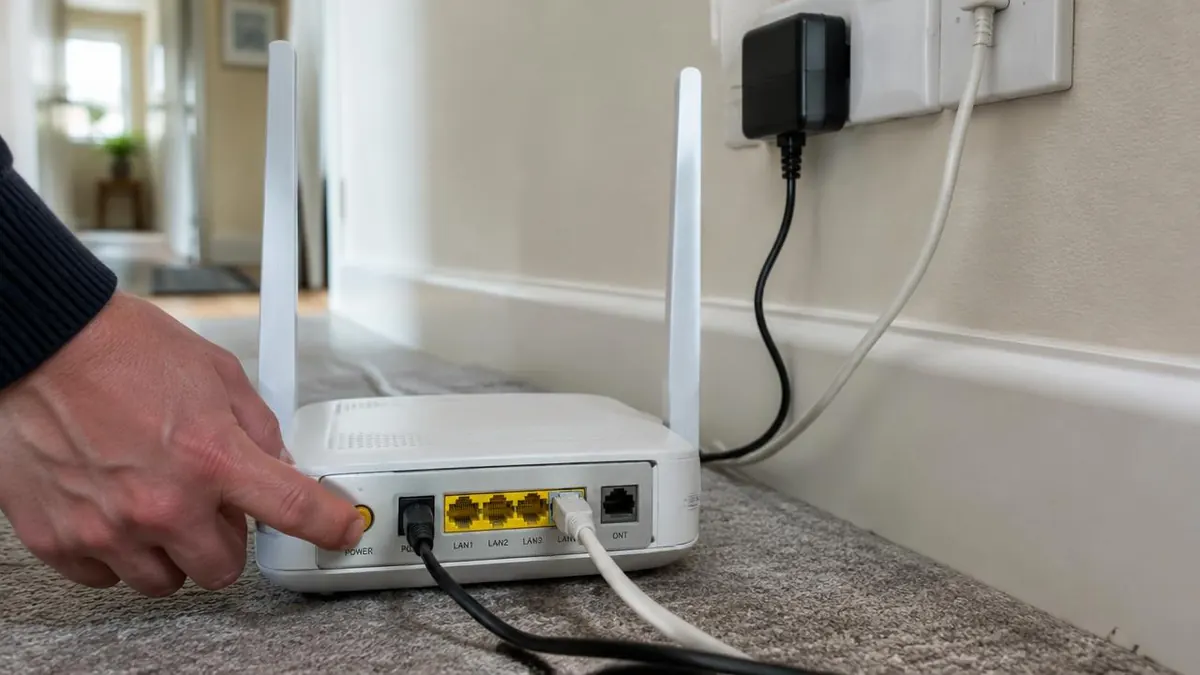
Digital landline switch-off: will broadband still work?
What changes for your phone and broadband by January 2027.
Read more
Virgin Media pauses full fibre upgrades
What customers should check now.
Read more
Autumn Budget 2026 and broadband bills
What the Budget means for what you pay.
Read moreKeep reading
Guides and tools
What is full fibre broadband?
How it works and how to get connected.
Read more
Best broadband in my area
How to check what you can get at your address.
Read more
Broadband social tariffs
Cheaper broadband if you get certain benefits.
Read more
Broadband without a landline
Options if you don't need a home phone.
Read moreSources
- Ofcom: broadband speeds, what you need to know
- Ofcom: Connected Nations update, Spring 2026
- Ofcom: telecoms price rises, what are your rights?
This page is general information, not advice. Providers set their own prices, speeds and terms, and availability depends on your exact address, so check the details with the provider before you order. Photos are illustrative.